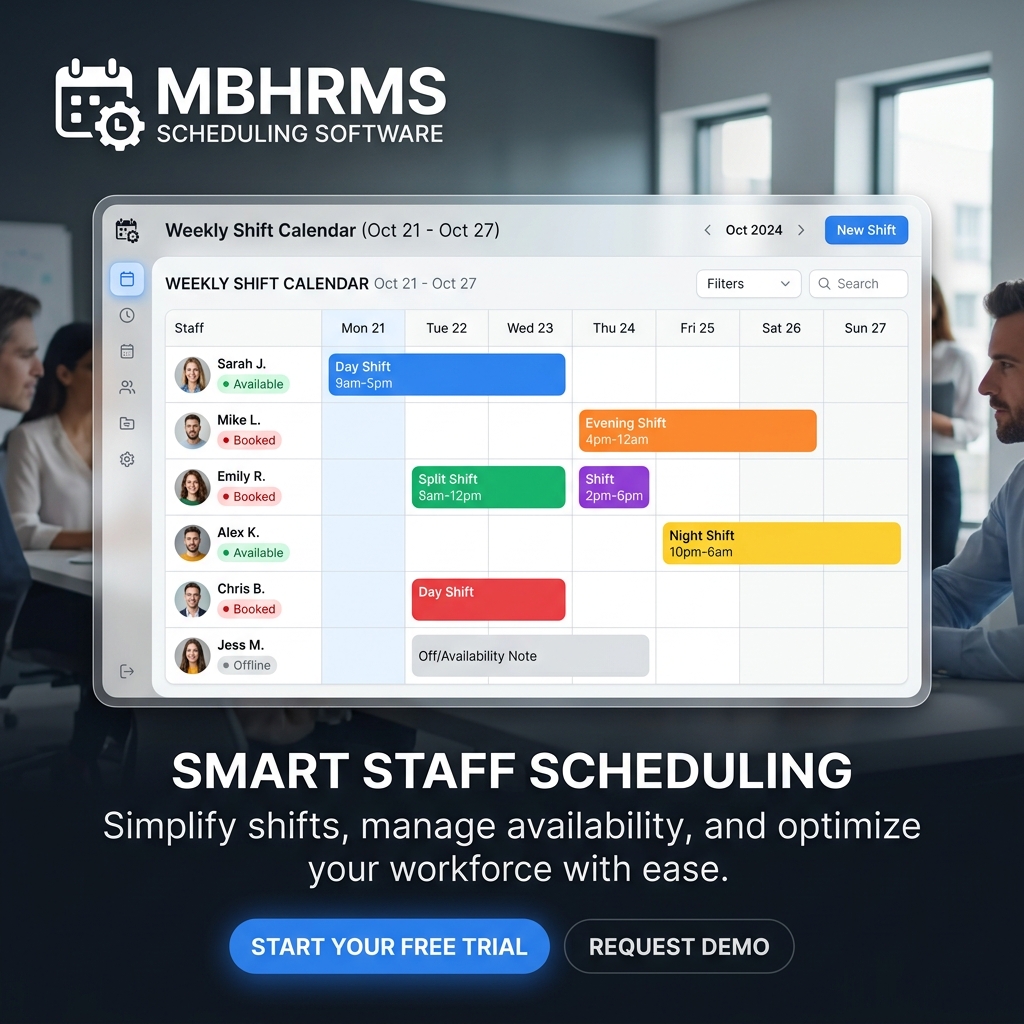
Build flawless employee schedules in minutes

Drag-and-drop shifts, auto-schedule with AI, and notify staff instantly with mobile alerts and calendar sync

4.9

from 2,000+ reviews

Employee Scheduling App
10 users
Free plan
Small Business Plan
14 days
Free trial
Full feature access
AI
Auto scheduling
Build schedules fast

Plan with confidence

Schedule around availability, preferred hours, and hard constraints while preventing conflicts

Collect and respect availability and preferred working hours to avoid scheduling errors
Flag conflicts and set overtime or schedule limits before publishing
Use repeating unavailability to prevent shifts on blocked days and times
Plan with confidence

Work faster with AI

Auto-generate optimal schedules based on roles, availability, and business rules—then fine-tune manually

AI scheduling creates full schedules in seconds using rules and preferences
Auto-flag errors like double-bookings or PTO conflicts to cut labor mistakes
Work faster with AI

Publish and notify

Keep everyone aligned with instant mobile alerts, a shareable schedule link, and calendar sync

Send mobile alerts for new schedules and changes; require confirmations when needed
Share a live, read-only schedule link with clients or stakeholders
Allow employees to sync shifts to Google, Apple, or Outlook calendars
Publish and notify

Speed up scheduling

Re-use what works with templates, recurring shifts, and bulk imports

Create daily, weekly, or monthly templates and reuse them anytime
Create multiple shifts at once or import bulk shifts from CSV/Excel
Draft shifts first and publish when ready, or keep open shifts for later assignment
Speed up scheduling

Collaborate on shifts

Add all job details to the shift, enable open shifts and swaps, and keep conversations in one place

Attach notes, tasks, locations, files, or images directly to each shift
Offer open shifts for qualified employees to claim and enable replacements with rules
Chat in-app about shifts so managers and staff stay aligned on updates
Collaborate on shifts

Why teams schedule here

Accurate plans, fewer errors, and faster comms from one connected workspace

Fewer mistakes

Built‑in conflict checks and rule limits prevent double-bookings and PTO collisions before publish.

Faster workflows

AI scheduling, templates, recurring shifts, and bulk imports cut weekly planning to minutes.

Employee-first

Availability, preferred hours, swaps, and confirmations keep schedules fair and predictable.

Frequently asked questions

Answers about availability, AI scheduling, templates, swaps, and notifications

Explore more

Ready to streamline scheduling?

Plan, publish, and fill shifts in minutes—free for up to 10 users

No credit card required • Templates and AI included • Mobile alerts